Introduction to KBA Electrical Maintenance
1、 Hard safety regulations for electrical maintenance (exclusive to KBA, strictly prohibited from omission)
1. Power off discharge process
Disconnect the main air switch of the whole machine, press the emergency stop button on the control panel, and hang the warning sign for electrical maintenance prohibiting closing; The internal capacitors of CT DC drivers and servo drivers need to be discharged for at least 10 minutes to prevent high-voltage electric shock; Synchronize pressure relief in the pneumatic circuit to avoid cylinder misoperation and pulling of the circuit.
2. Environmental protection
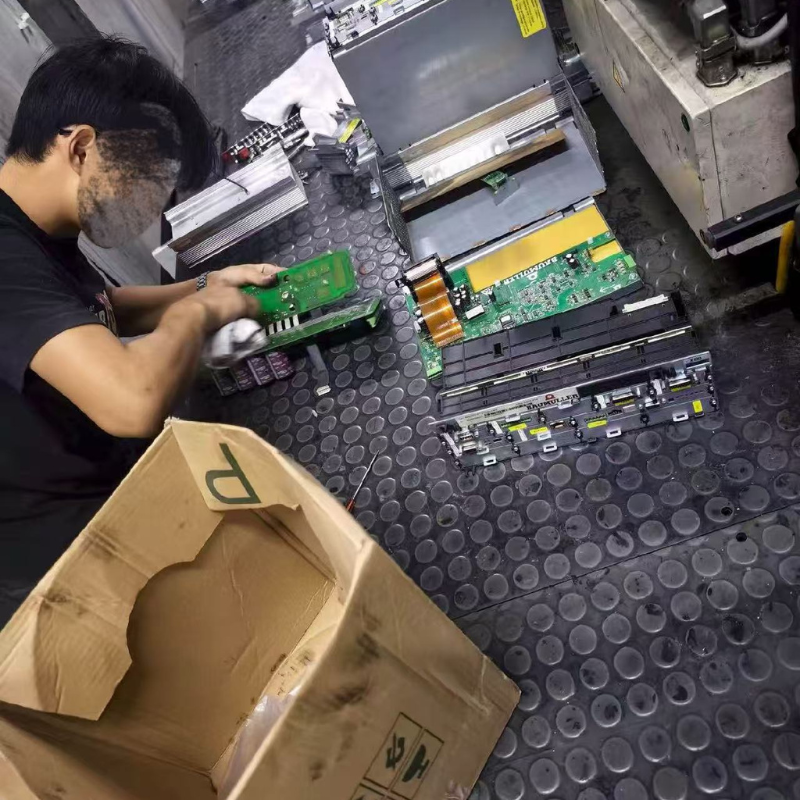
Before repairing the board in the cabinet, clean up the scattered ink and paper scraps around it, and prohibit solvents from directly spraying the circuit board; Wear anti-static wristbands during workshop maintenance when humidity exceeds 70%, and place anti-static pads during board disassembly and assembly.
3. Bottom line for accessory replacement
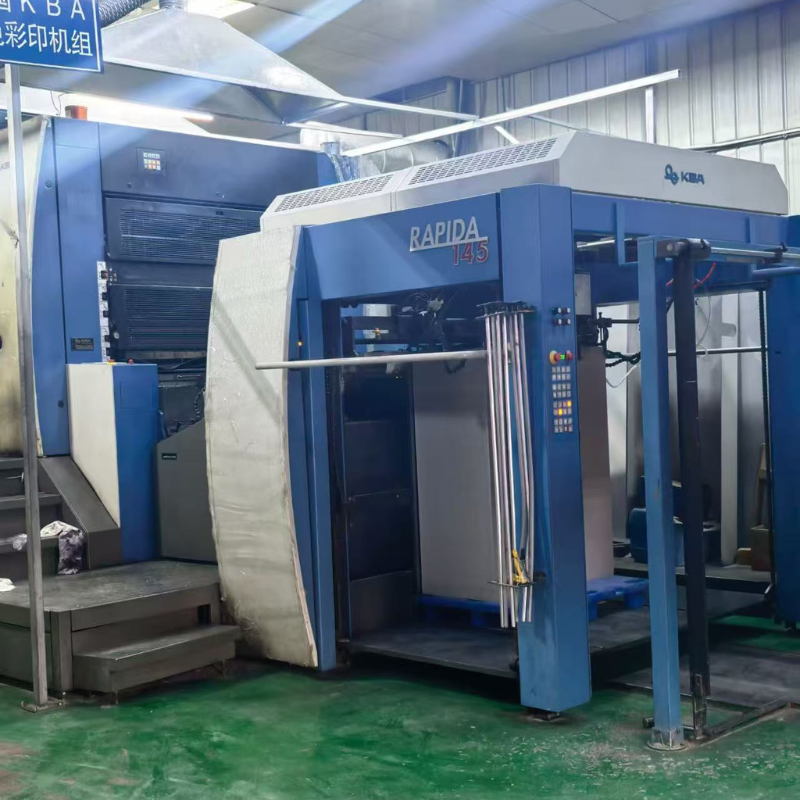
Original parts are preferred for drum encoders, ink fountain control boards, and host drivers; The replacement of low value consumables such as optoelectronics, proximity switches, coils, fuses, etc. must match the voltage, signal type, and installation size. RA106/145 electrical accessories are not interchangeable and cannot be mixed.
4. Wiring identification requirements
Before plugging and unplugging the wire harness, take photos to record the sequence of the terminal wires. The shielding layer of the multi-core shielded wire should be uniformly connected to the grounding bar inside the cabinet. The two ends of the shielding layer should not be suspended to avoid signal interference that may cause misprinting and ink drift.
2、 Six core electrical component fault identification and maintenance plans
(1) CT DC speed control driver (M210/M350, power core of Gaobao RA130 host)
Common fault codes and maintenance
1. Oh (107) radiator overheating shutdown
Cause of malfunction: The cooling fan of the drive is covered with paper powder, the heat sink is covered with ink, and the unit has been operating at full speed and high load for a long time;
Repair steps: Power off, disassemble and clean the fan dust, replace the aging cooling fan; Check if the main motor bearings are stuck and causing overload; Clean the air duct and run it without load for 30 minutes to retest the temperature.
2. FOC (106) excitation overcurrent
Fault cause: insulation damage of the excitation coil of the main motor, short circuit of the excitation circuit;
Repair steps: Use a multimeter to measure the resistance of the excitation winding. If the phase to phase resistance is unbalanced, it means that the motor winding is damaged; Repack the insulation of the broken circuit and replace the entire section of the damaged cable.
3. Hardware failure of hF (100)
Fault causes: board capacitor bulging, IGBT power transistor breakdown;
Repair steps: Disassemble the driver and replace the drum electrolytic capacitor; When the power tube burns out, it is necessary to check whether the motor is short circuited to ground, eliminate the load fault, and then replace the drive board.
4. SL120 phase loss alarm, PS125 power overload
Check the three-phase incoming voltage, replace the aging contactor contacts, and clean the oxide layer on the incoming terminal.
Maintenance taboos
Prohibit short circuiting the driver protection terminal to forcibly turn on the motor, as it can easily burn out the entire electrical system of the main motor; After modifying the drive parameters, machine origin calibration must be performed.
(2) I/O input/output control module (whole machine action signal relay)
1. Fault phenomenon
Feida does not suck paper, clutch pressure has no action, the opening and closing teeth of the paper delivery chain fail, and there is no corresponding alarm on the control panel; A single unit has failed to function, while the rest of the units are functioning normally.
2. Root cause of malfunction
Terminal water oxidation, paper powder ink entering module slot, output point short circuit burning contact.
3. Maintenance process
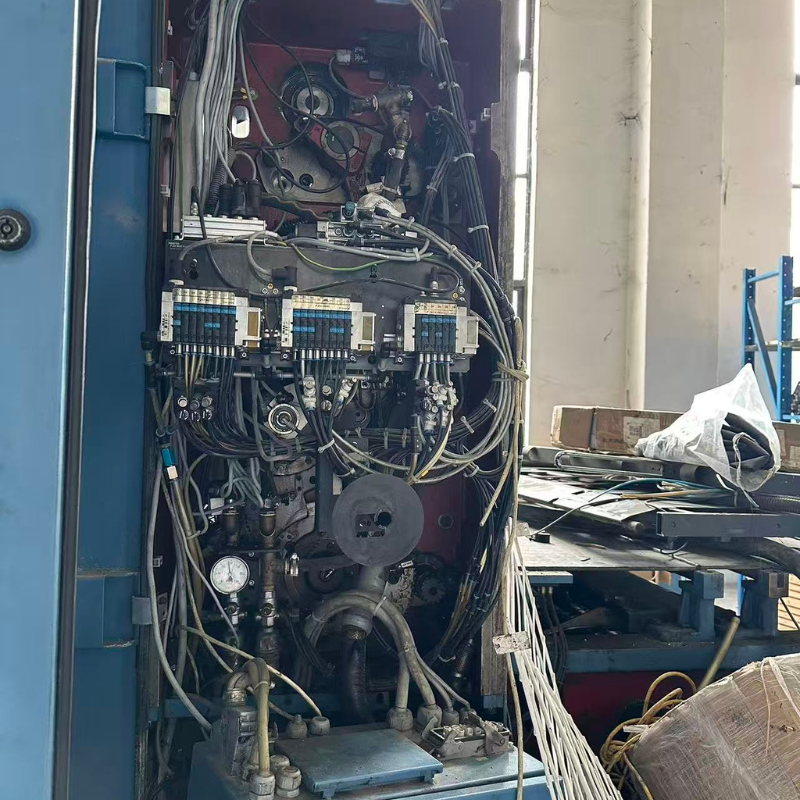
① Turn off the power and unplug the module, then use compressed air without water to blow away the dust in the slot;
② Use a multimeter to measure the on/off status of input/output points. If the contact is slightly eroded, it can be polished and repaired. If the point breaks down, replace the module directly;
③ Re plug the wire harness terminals, apply conductive anti oxidation paste to the terminals, and tighten all wiring screws;
④ Test the electromagnetic valve and cylinder action signals of the no-load test unit, and confirm that the input and output responses are synchronized.
Recent Articles